10 Best Free ADHD Apps for Adults in 2026 (Actually Useful)
Looking for the best free ADHD apps to help you stay organized, manage your time, or finally get started on that one task you’ve been avoiding?
You’re definitely not alone.
There are so many productivity apps promising to change your life. Beautiful planners, habit trackers, focus timers, AI assistants, and colorful to-do lists.
But here’s the thing: an app can look amazing and still be completely wrong for the way your brain works.
And when you struggle with executive functioning, learning another complicated system can become yet another task on your never-ending to-do list.
I know how easy it is to get excited about a new planning method. I’ve explored everything from paper planners and bullet journals to digital planning tools, progress bars, and gamified systems.
One thing I’ve learned is that the appearance of a planning tool really matters to me. But a beautiful interface isn’t enough. The system also needs to feel intuitive and manageable on an ordinary, low-energy day.
That’s why I wanted to put together this guide to free ADHD apps for adults, with an emphasis on what each tool actually helps you do.
Some are designed with neurodivergent users in mind. Others are simple productivity tools that can be adapted to ADHD-related challenges.
And importantly, we’ll distinguish between completely free tools and apps with limited free versions.
Disclosure: This is a research-based comparison, not a claim that I’ve personally tested every app. Free features and subscription terms were reviewed in November 2026 and may change. None of these apps is a substitute for professional ADHD assessment or treatment.
Best Free ADHD Apps at a Glance
Don’t feel like reading the whole comparison? Start here.
| App | Best for | Free access |
|---|---|---|
| Goblin Tools | Breaking overwhelming tasks into steps | Free website; paid mobile apps |
| Tiimo | Visual planning and daily routines | Free mobile tier |
| Todoist | Organizing tasks and projects | Free plan |
| Structured | Visual daily timeline | Free plan |
| Finch | Self-care and motivation | Free core features |
| Microsoft To Do | Simple daily task management | Free |
| Google Keep | Brain dumps and quick notes | Free |
| Focusmate | Body doubling and accountability | 3 free sessions per week |
| Habitica | Gamified tasks and habits | Free core experience |
| Pomofocus | Simple focus sessions | Free web timer |
My starting recommendations:
- Overwhelmed by big tasks? Try Goblin Tools.
- Struggling with time blindness? Explore Tiimo or Structured.
- Need one reliable to-do list? Start with Microsoft To Do or Todoist.
- Need motivation and small rewards? Consider Finch or Habitica.
- Find it hard to start working alone? Try Focusmate.
- Have too many thoughts in your head? Google Keep might be enough.
You probably don’t need all ten. In fact, starting with just one is usually a much better idea.
1. Goblin Tools — Best Free ADHD Tool for Breaking Down Tasks
Best for: Task paralysis, overwhelming projects, executive dysfunction
Free version: Free browser-based tools; mobile apps are paid
Website: https://goblin.tools/
Have you ever written something like “clean the apartment” on your to-do list and then felt completely overwhelmed?
The problem might be that the task isn’t actually one task.
It’s a collection of smaller decisions and actions.
Goblin Tools helps break large tasks into smaller, more manageable steps using AI.
For example, instead of staring at “clean the kitchen,” you can generate a checklist of specific actions, such as clearing the counter, loading the dishwasher, and wiping surfaces.
Why it may be helpful for ADHD
Task initiation can be difficult when you’re unsure where to begin.
Goblin Tools reduces some of that planning work by suggesting smaller steps.
Its Magic ToDo tool also lets you adjust how much detail you want in the breakdown.
What I like about the concept
It addresses a very specific problem instead of trying to manage your entire life.
You don’t need to reorganize your calendar or create a complicated workspace just to break down one difficult task.
Limitations
The AI-generated steps aren’t always perfect. You’ll still need to decide which suggestions make sense.
The website is free, but the dedicated mobile apps are paid.
My recommendation: Start with the free website. Try it on one task you’ve been putting off.
If you often know exactly what needs to be done but still can’t seem to start, my guide to ADHD Executive Dysfunction explains this experience through seven simple, relatable analogies.
2. Tiimo — Best Free ADHD Planner for Visual Routines
Best for: Visual planning, routines, time awareness
Free version: Available on mobile; advanced features require Tiimo Pro
Website: https://www.tiimoapp.com/
Tiimo is one of the more interesting planning apps because it was specifically designed with neurodivergent people in mind.
Instead of relying entirely on traditional lists and calendars, it emphasizes visual schedules, time awareness, and daily structure.
The app includes planning tools and a focus timer.
Why it may help
A typical to-do list tells you what you need to do.
A visual planner can also help you understand when and how those tasks fit into your day.
This can be particularly useful if you struggle with estimating how long activities take or transitioning between tasks.
What makes it appealing
Tiimo’s visual approach may feel more approachable than a traditional productivity dashboard.
For someone who finds aesthetics and visual organization motivating, that’s worth considering.
Limitations
Tiimo isn’t completely free.
The free mobile version provides access to essential planning features, but advanced functionality is reserved for Pro.
The web planner also requires a paid subscription or active trial.
My recommendation: Try the mobile free version before considering an upgrade. Pay attention to whether the visual schedule genuinely makes your day easier.
3. Todoist — Best Free ADHD App for Task Management
Best for: To-do lists, projects, deadlines, organizing responsibilities
Free version: Yes, with limitations
Website: https://www.todoist.com/
Todoist is a popular task management app that can work well for people who prefer clear lists over elaborate planning systems.
You can create projects, capture tasks quickly, add reminders, and organize your responsibilities.
The free Beginner plan includes five personal projects and basic organization features.
Why it may be useful
One potential advantage is reducing the need to remember everything.
Instead of keeping tasks in your head, you can collect them in a single place.
For example, you could create separate lists for:
- Work
- Personal errands
- Household responsibilities
- Things to buy
- Ideas to explore later
ADHD-friendly setup idea
Don’t start by organizing every part of your life.
Create one project called “Life Admin” and another called “Work.”
Add tasks as they come up, then choose just three priorities each morning.
Limitations
Some advanced planning features require the Pro subscription.
And like any task manager, Todoist can become overwhelming if you add hundreds of tasks without regularly reviewing them.
My recommendation: Choose Todoist if you want a flexible task system that can grow with you.
4. Structured — Best Free Visual Planner for ADHD
Best for: Time blocking, daily schedules, visualizing your day
Free version: Yes, with optional Pro features
Website: https://structured.app/
Structured takes a different approach to planning.
Instead of showing only a list of tasks, it helps you arrange them into a visual timeline.
This makes it easier to see what your day might look like.
Why it may be helpful
If you’re someone who regularly underestimates how much time tasks require, a timeline can make your schedule feel more concrete.
You can see when activities begin and how they relate to one another.
Free features
Structured provides free access to timeline tasks, an inbox, subtasks, notes, and other essential planning tools.
Some features, including recurring tasks, calendar import, and AI functionality, require Pro.
Limitations
The free version won’t provide every scheduling feature.
Some functionality also differs between iOS, Android, and the web.
My recommendation: Structured is particularly worth exploring if regular to-do lists don’t help you visualize time.
5. Finch — Best Free ADHD App for Self-Care and Motivation
Best for: Self-care routines, motivation, gentle habit building
Free version: Core features are free; optional Finch Plus
Website: https://finchcare.com/
Finch approaches daily routines through a virtual pet.
You take care of a little bird by working on your own goals and self-care activities.
Instead of turning every day into a productivity competition, Finch creates a more playful experience.
Why it may appeal to ADHD brains
Some people find visual rewards and immediate feedback more motivating than ordinary checklists.
Finch adds a sense of play and progress to everyday actions.
Your goals don’t need to be huge.
They might include drinking water, going outside, tidying one area, or taking a moment to rest.
What makes it different
Unlike a traditional project manager, Finch focuses more on everyday well-being and gentle encouragement.
This may make it especially appealing during periods when productivity-focused apps feel too demanding.
Limitations
Some customization options and extra content require Finch Plus.
The virtual pet approach also won’t appeal to everyone.
My recommendation: Consider Finch if you want a friendly, low-pressure way to build small habits.
6. Microsoft To Do — Best Completely Free ADHD To-Do List App
Best for: Everyday organization, reminders, simple task lists
Free version: Yes
Website: https://to-do.microsoft.com/
Sometimes the best productivity app is the one that doesn’t require much explanation.
Microsoft To Do offers a straightforward way to collect tasks, set reminders, and organize your day.
Its My Day feature provides a dedicated place to choose your daily priorities.
Why it may work well
It doesn’t require building a complicated system.
You can create a simple shopping list, add a work deadline, or set a reminder for an important appointment.
It also supports recurring tasks and steps within larger tasks.
A simple way to use it
Every morning, open My Day and choose:
- One important task
- One small household task
- One task you’ve been avoiding
Three tasks might be more manageable than a list of twenty.
Limitations
It’s less visually playful than Tiimo or Finch.
If you rely on colors, gamification, or elaborate progress tracking for motivation, it might feel a little too minimal.
My recommendation: This is one of the strongest starting points if you want a practical free app without an overwhelming feature set.
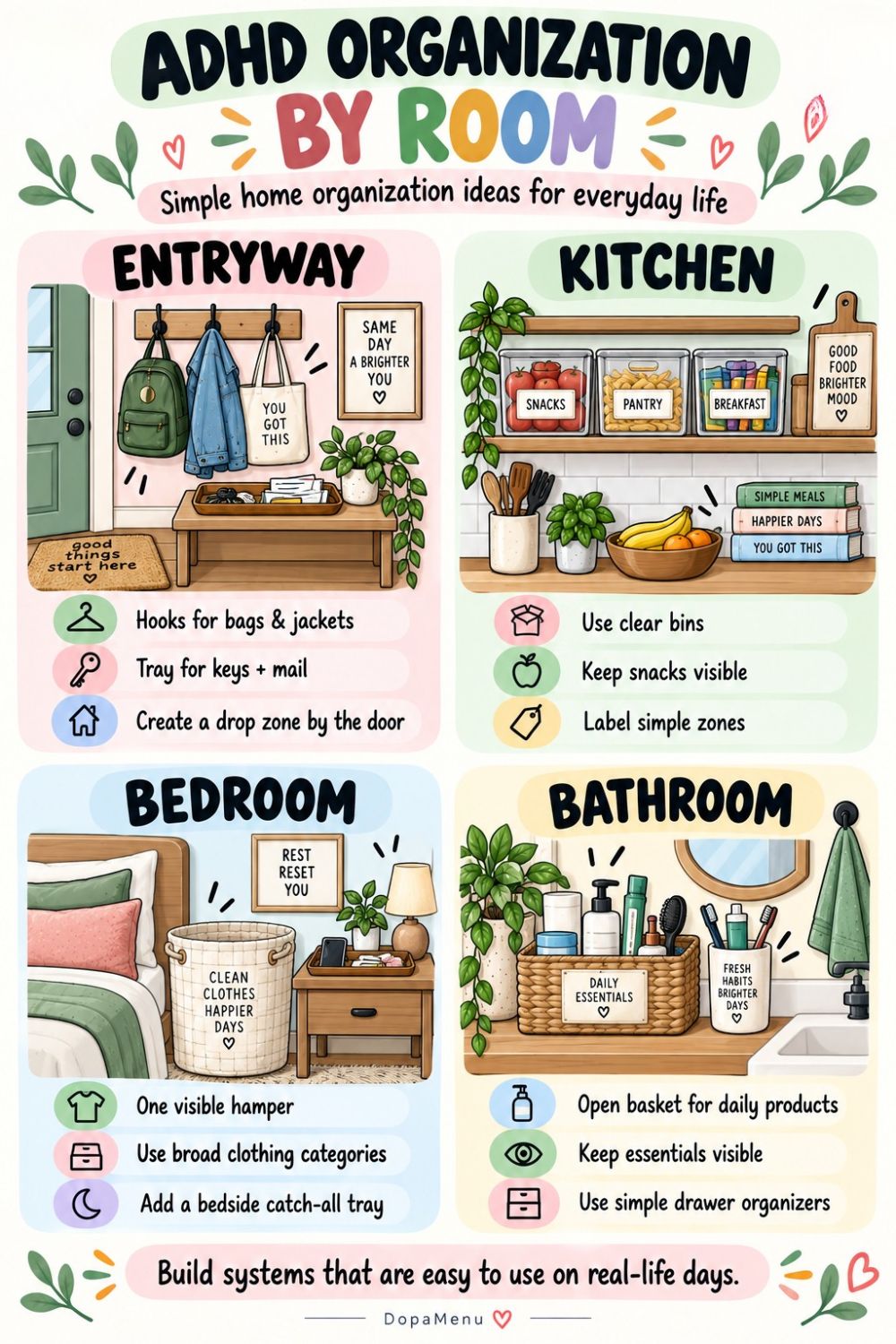
Of course, an app is only one part of a planning system. If you find yourself constantly switching between organization methods, my ADHD Organization guide offers practical ways to make everyday systems easier to maintain.
7. Google Keep — Best Free ADHD App for Brain Dumps
Best for: Capturing thoughts, notes, ideas, shopping lists
Free version: Yes
Website: https://keep.google.com/
Not every ADHD-related difficulty needs a specialized app.
Sometimes you just need somewhere to put all the thoughts competing for attention.
Google Keep is a simple note-taking tool that lets you quickly capture ideas and organize them into notes and checklists.
Why it may be helpful
If you frequently interrupt one task because you’re afraid of forgetting something else, keeping a quick note nearby can help you capture that thought and return to what you were doing.
You can create notes for:
- Random ideas
- Things to remember
- Shopping lists
- Blog post ideas
- Questions to research
- Tasks to organize later
Timed reminders are also available.
My favorite way to think about it
Treat Google Keep as an external inbox for your thoughts.
You don’t need to organize everything immediately.
Capture first. Sort later.
Limitations
If you create hundreds of notes without reviewing them, it can become another cluttered space.
My recommendation: Start with one pinned note called “Brain Dump” and add ideas there throughout the day.
If you use an iPad and enjoy handwritten notes or visual schedules, check out my guide to the Best Planner Apps for iPad, where I compare Apple Pencil planners, digital notebooks, and free scheduling tools.
8. Focusmate — Best Free ADHD Tool for Body Doubling
Best for: Task initiation, accountability, working independently
Free version: Three sessions per week
Website: https://www.focusmate.com/
Have you ever noticed that working alongside another person makes it easier to get things done?
That’s the idea behind body doubling.
Focusmate offers virtual coworking sessions where you’re paired with another person.
You briefly share what you’re working on, spend the session focusing on your own tasks, and check in afterward.
Why it may be helpful
For some people, the presence of another person creates useful accountability and structure.
This can be particularly appealing for tasks that are difficult to start.
Examples include:
- Writing an assignment
- Answering emails
- Organizing paperwork
- Cleaning a room
- Working on a personal project
Limitations
Focusmate requires you to feel comfortable participating in a video-based session with another person.
It also isn’t a conventional mobile planning app.
The free plan provides three sessions per week.
My recommendation: Try it for a task you’ve postponed several times, especially if working alone makes getting started difficult.
9. Habitica — Best Free Gamified ADHD Task Manager
Best for: Gamification, habits, motivation, task rewards
Free version: Core task management and gameplay are free, with optional purchases
Website: https://habitica.com/
Habitica turns your daily responsibilities into a role-playing game.
You create an avatar, complete real-life tasks, earn rewards, and progress through the game.
Why it may appeal to ADHD users
If ordinary checklists don’t provide much motivation, game mechanics may make daily routines feel more engaging.
Instead of simply crossing off a task, you’re making progress in a game.
This can be especially enjoyable if you already like RPGs, quests, or collecting virtual rewards.
Try this setup
Create three daily activities:
- Get ready for the day
- Complete one focused work session
- Spend five minutes tidying
Keep your first set of goals small and achievable.
Limitations
Gamification can be motivating, but it can also become distracting.
If you find yourself spending more time customizing a system than completing tasks, simplify your setup.
My recommendation: Try Habitica if playful progress feels more motivating than traditional productivity tracking.
10. Pomofocus — Best Free ADHD Focus Timer
Best for: Focus sessions, time management, working in short intervals
Free version: Free browser-based timer; optional premium features
Website: https://pomofocus.io/
Sometimes you don’t need an elaborate planner.
You just need a timer and a clear starting point.
Pomofocus is a simple Pomodoro-style timer that helps divide work into focused sessions and breaks.
How to use it
A traditional Pomodoro routine looks like this:
- Choose one task.
- Work for 25 minutes.
- Take a 5-minute break.
- Repeat as needed.
However, you don’t have to use 25-minute sessions.
If that feels overwhelming, try starting with just five or ten minutes.
Why it may help
A short focus session gives a task a clear beginning and an achievable stopping point.
Instead of thinking about completing an enormous project, you only need to focus on the next small interval.
Limitations
A timer doesn’t automatically solve task initiation or planning difficulties.
If you don’t know what to work on, you might still need another tool to define your next step.
My recommendation: Combine a simple timer with a short task list rather than building an unnecessarily complicated productivity system.
Best Free ADHD Apps by Everyday Challenge
Rather than choosing the most popular app, start with the problem you want to solve.
| If you struggle with… | Try… |
|---|---|
| Task paralysis | Goblin Tools |
| Time blindness | Tiimo or Structured |
| Forgetting responsibilities | Microsoft To Do |
| Organizing multiple projects | Todoist |
| Too many thoughts | Google Keep |
| Starting tasks alone | Focusmate |
| Motivation and rewards | Finch or Habitica |
| Staying focused | Pomofocus |
| Daily routines | Tiimo or Finch |
| Planning your entire day | Structured |
You can also combine two complementary tools.
For example, Google Keep can capture ideas while Structured helps you schedule them.
But I wouldn’t recommend starting with more than two.
Prefer something you can see without opening your phone? An ADHD whiteboard command center can be a useful alternative to digital apps, especially for visual reminders and everyday routines.
Best Free ADHD Apps for Adult Women
If you’ve searched for “best free ADHD apps for adult women,” you may be wondering whether there are apps that specifically address the challenges women with ADHD experience.
The important thing to know is that there isn’t one universal app that works best for women.
Your needs may depend on your routines, responsibilities, preferences, and the particular challenges you’re trying to manage.
For example:
If you’re managing lots of everyday responsibilities: Microsoft To Do or Todoist can help you keep tasks in one place.
If you’re struggling with routines and transitions: Tiimo or Structured may make your day easier to visualize.
If you want to make self-care more consistent: Finch offers a playful way to track small goals.
If you’re overwhelmed by everything you need to do: Goblin Tools can help transform a large task into smaller actions.
An app doesn’t necessarily need to be marketed to women to be useful.
What’s more important is whether its design supports your everyday needs.
Best Free ADHD Apps for Students
Students may need slightly different tools, especially for assignments, deadlines, studying, and managing independent work.
A practical combination could be:
- Todoist: Keep track of assignments and deadlines.
- Google Keep: Capture ideas and notes quickly.
- Pomofocus: Create focused study sessions.
- Focusmate: Add accountability to independent work.
- Goblin Tools: Break large assignments into manageable steps.
If you’re a student on a tight budget, start with tools that offer useful functionality without requiring a subscription.
Are There Any Completely Free ADHD Apps?
Yes, but there’s an important distinction between completely free apps, freemium apps, and free trials.
Completely free or free core tools:
- Microsoft To Do
- Google Keep
- Goblin Tools website
Freemium apps with useful free features:
- Todoist
- Tiimo
- Structured
- Finch
- Habitica
- Pomofocus
Free with usage limits:
- Focusmate — three sessions per week
Before subscribing to any productivity app, check which features you actually need.
And don’t assume a free trial means the same thing as a permanently free plan.
How to Choose an ADHD App Without Getting Overwhelmed
Here’s something worth remembering:
You don’t need a better productivity app for every problem. You need a system you can actually return to.
It’s easy to get excited about a beautiful new planner, spend an entire weekend setting it up, and then forget about it two weeks later.
Instead of downloading ten apps, try this simple process.
Step 1: Identify one problem
Ask yourself:
What’s the most frustrating part of my daily routine right now?
Maybe it’s forgetting things, starting tasks, keeping track of time, or maintaining consistency.
Choose just one.
Step 2: Choose one app
Pick the tool that most directly addresses that problem.
Don’t worry about finding the perfect all-in-one solution.
Step 3: Set up only the basics
Avoid spending hours customizing colors, categories, dashboards, and complicated automations.
Start with something useful immediately.
For example, create three tasks for tomorrow or add a simple morning routine.
Step 4: Try it for seven days
Give the app a realistic chance without forcing yourself to use it perfectly.
Notice what works and what creates extra friction.
Step 5: Decide whether it deserves a place in your routine
Ask yourself:
- Was it easy to open and use?
- Did it reduce mental effort?
- Did it help me start or finish something?
- Did I enjoy using it?
- Did I return to it without constantly reminding myself?
An app that’s beautiful but difficult to maintain may not be the right tool.
And an ordinary notes app that you actually use might be a better choice.
You Don’t Always Need Another ADHD App
One of the most useful things I’ve learned from experimenting with planning systems is that novelty and usefulness aren’t always the same thing.
A new planner can feel exciting. Creating categories, choosing colors, designing pages, and imagining how organized your life could become can be genuinely enjoyable.
But the real test comes later.
Does the system still work when you’re tired?
Can you find what you need without reorganizing everything?
Does it support your everyday life instead of becoming another responsibility?
Sometimes the answer is a visual planner.
Sometimes it’s a simple reminder app.
And sometimes, it’s a piece of paper on your desk.
There’s nothing wrong with using a combination of digital and analog tools.
The goal isn’t to become perfectly productive. It’s to make everyday life a little easier.
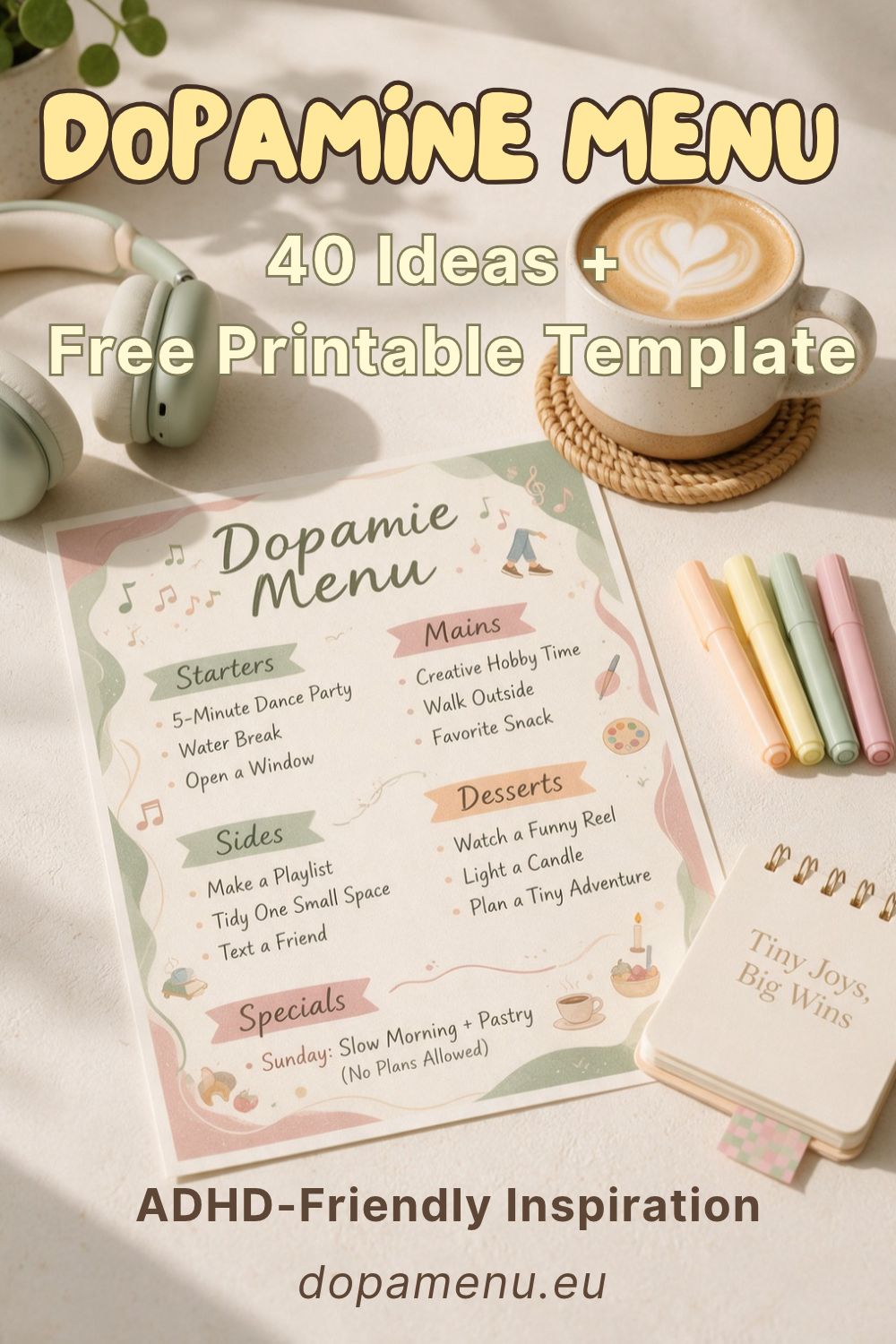
That idea is also closely connected to the concept behind a dopamine menu: creating a personalized collection of options that support your mood, energy, and everyday well-being.
Instead of expecting one perfect solution to work every day, you can create a flexible collection of tools and activities that fit different situations.
Frequently Asked Questions
What are the best free ADHD apps for adults?
Some useful free ADHD apps and tools include Goblin Tools, Microsoft To Do, Google Keep, Todoist, Tiimo, Structured, Finch, Focusmate, Habitica, and Pomofocus. The best choice depends on whether you need help with tasks, routines, focus, or motivation.
What is the best completely free ADHD planner app?
Microsoft To Do is a good option for straightforward planning and reminders. Google Keep works well for capturing thoughts and simple lists. If you prefer visual scheduling, Structured and Tiimo offer free versions with some restrictions.
Is Tiimo free?
Tiimo offers a free mobile version with essential planning features. Advanced features and access to its web planner require a subscription or active trial.
Is Goblin Tools free?
Goblin Tools is free to use through its website. The dedicated iOS and Android apps are paid.
What is the best free app for ADHD task paralysis?
Goblin Tools may be helpful because it breaks complex tasks into smaller steps. Focusmate is another option for people who find it easier to begin tasks when someone else is working alongside them.
What is the best ADHD app for productivity?
For traditional task management, Todoist and Microsoft To Do are practical choices. Structured and Tiimo may be more useful if you prefer visual planning, while Pomofocus helps create defined focus sessions.
Are ADHD apps useful without an official diagnosis?
You don’t need an ADHD diagnosis to use general productivity, planning, or self-care apps. These tools can be useful for anyone struggling with organization or focus. However, they cannot diagnose ADHD or replace professional care.
Can ADHD apps replace medication or therapy?
No. Productivity and organization apps can support everyday routines, but they’re not substitutes for evidence-based ADHD treatment. If ADHD symptoms are significantly affecting your life, speak with a qualified healthcare professional.
Final Thoughts: The Best ADHD App Is the One You’ll Actually Use
If there’s one thing I hope you take away from this list, it’s that you don’t need to download every app promising to change your life.
You don’t need the perfect planner, the most advanced productivity dashboard, or another subscription that you’ll forget to cancel.
Start with one challenge.
Find one tool that makes that challenge a little easier.
And give yourself permission to change your system when your needs change.
For some people, that might mean using Goblin Tools to break overwhelming tasks into smaller steps.
For others, it might mean seeing their day visually in Structured or Tiimo.
And sometimes, the most useful solution is simply writing down a task before you forget it.
Your planning system should support your life, not become another thing you have to keep up with.
Save this guide for later, and explore the apps that genuinely fit the way you like to work, plan, and live.